Academy management
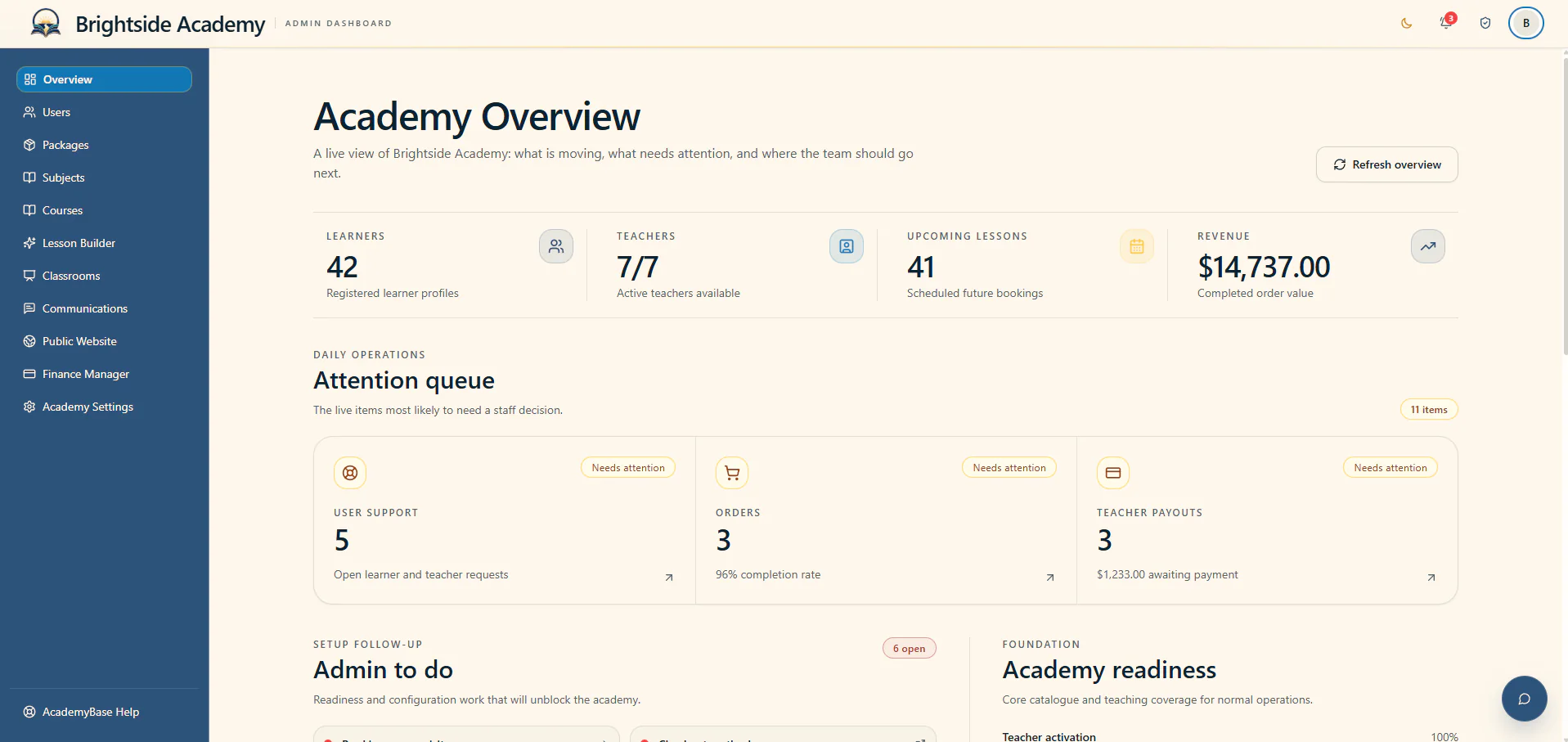
Manage learners, teachers, courses, bookings, payments, support and your public website without moving between separate admin tools.
- People and bookings
- Payments and support
- Website and settings
How AcademyBase works
See what AcademyBase looks like for academy owners, teachers and learners, then explore the public website and live classroom they all share.
Choose an area to explore
Each page shows the real tools a person uses and explains how they connect to the rest of the academy.
Manage learners, teachers, courses, bookings, payments, support and your public website without moving between separate admin tools.

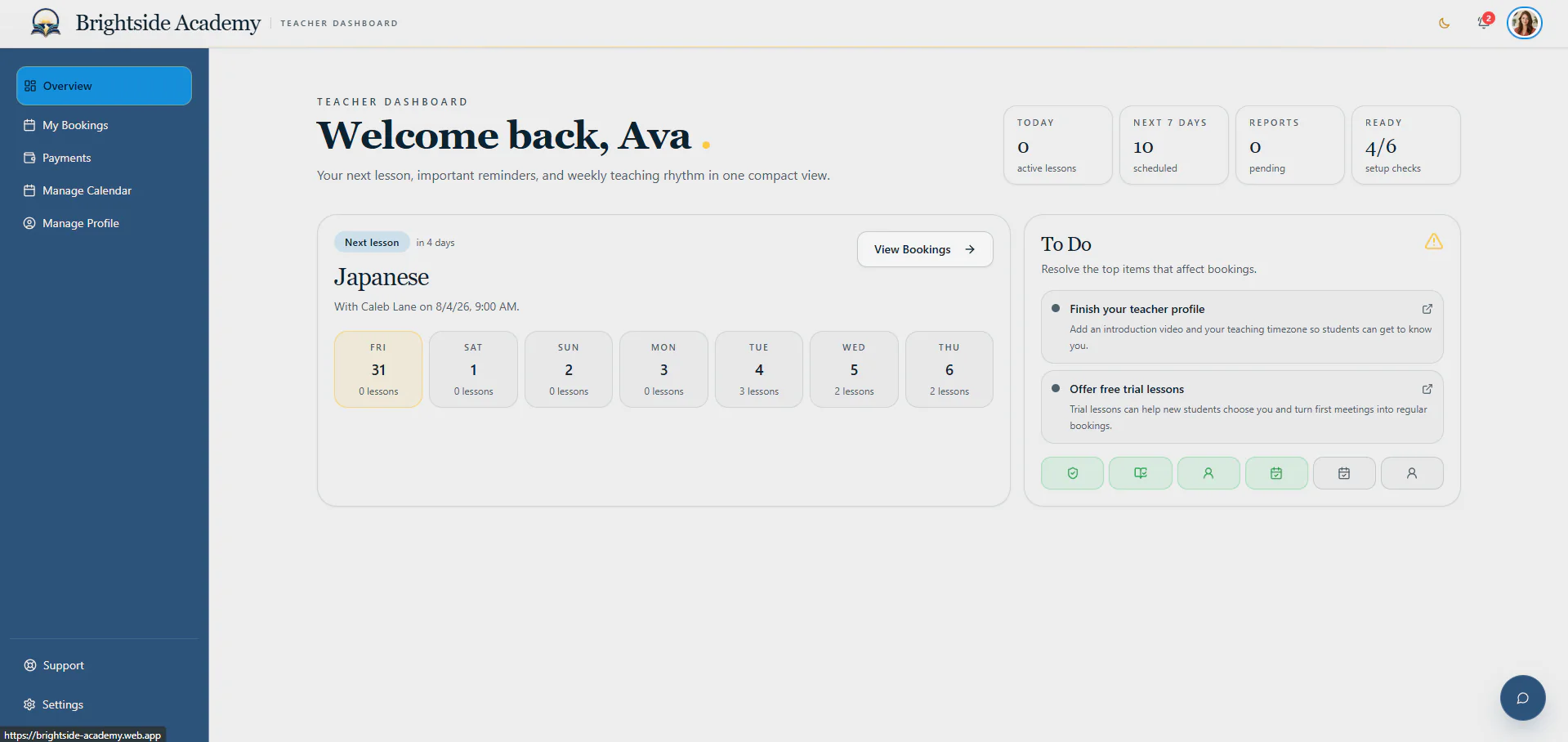
Teachers can set availability, review bookings, prepare for learners, track earnings and contact the academy without jumping between separate tools.

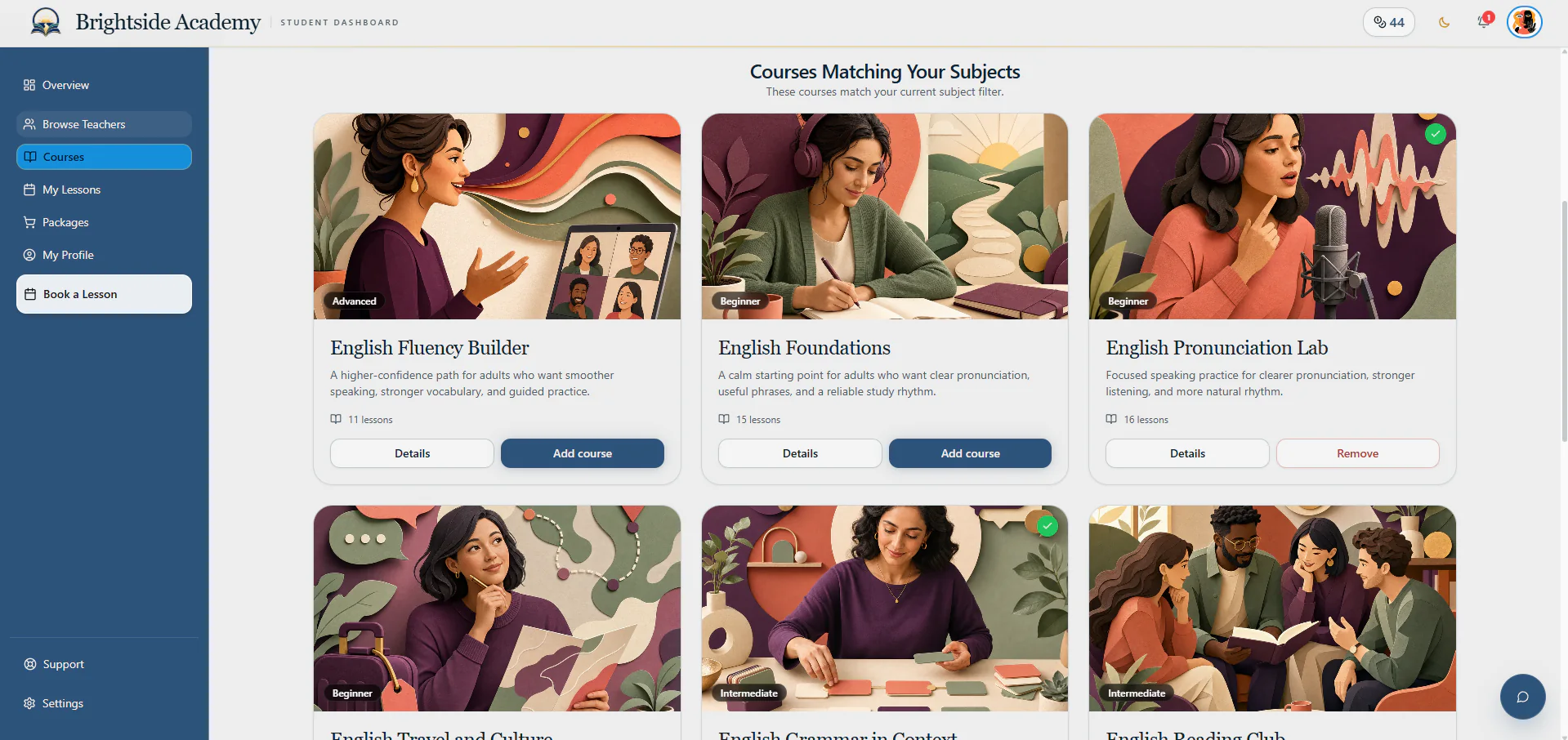
Learners can browse courses and teachers, buy credits, book available times and review past lessons from one straightforward account.

Your public website uses your academy’s brand and presents the courses, packages and answers you manage inside AcademyBase.

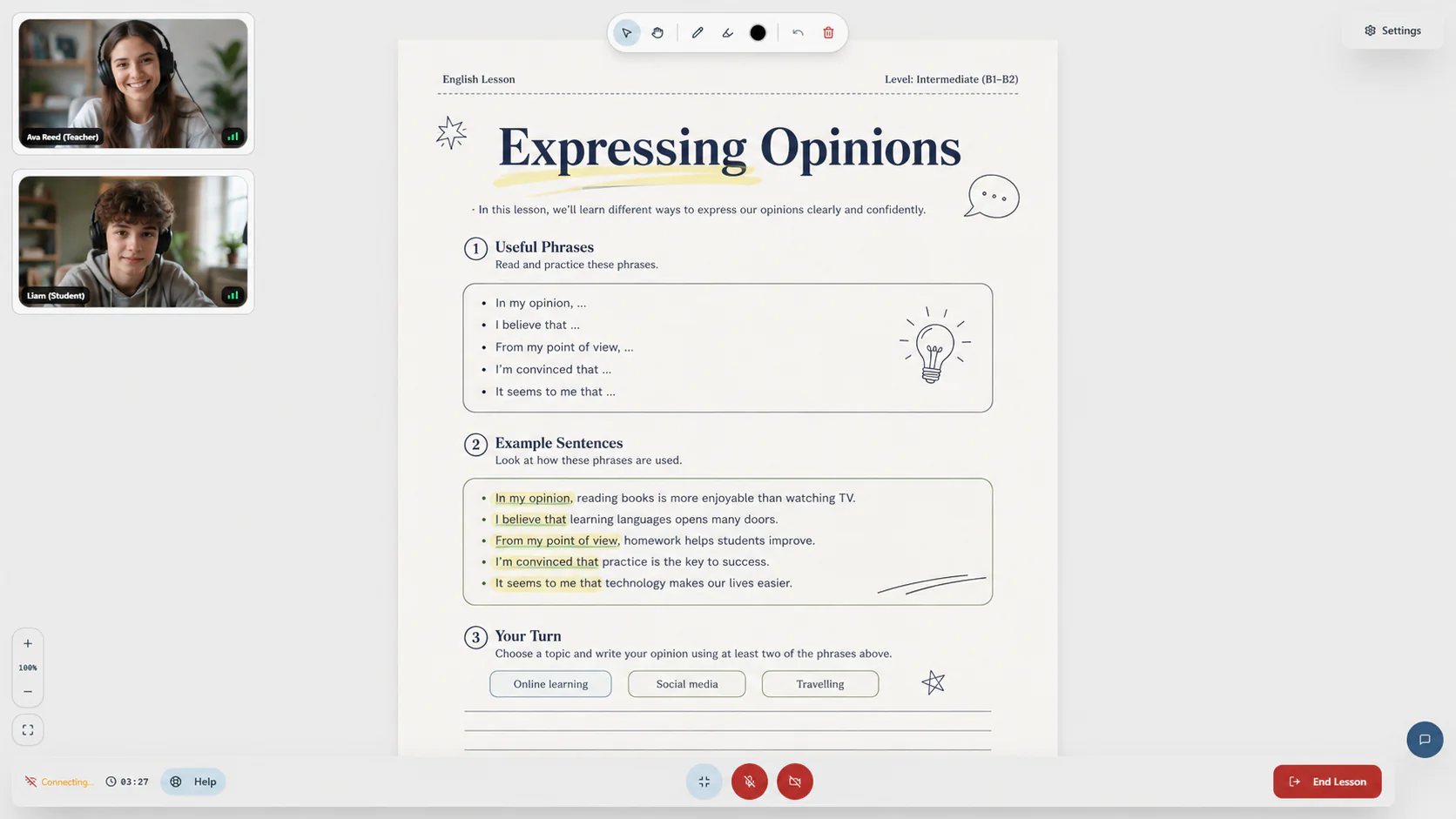
Teachers and learners join a live classroom with the lesson material, whiteboard tools, participant controls and translated chat ready beside them.
Add your subjects, courses, packages, teachers and academy rules.
Show those courses, packages and answers on your branded website.
Learners compare the courses, teachers and packages that suit them.
Learners choose an available teacher and confirm a lesson time.
The people and course material are ready together in the classroom.
Start with a private account
Create an account and tell us about the academy you want to launch or improve. Your plan stays inside your private dashboard, and we review it before recommending the right setup.